sentinel
Slack integration
Receive alerts in Slack when a monitor is overdue.
How it works
The integration will only be triggered when a backup is overdue/ failed or has recovered.
🔴 db-production is OVERDUE — last backup 2026-07-14 03:00:12 +0000,
   expected At 03:00 AM Europe/Sofia (+1h grace).

🟢 db-production is OK — backup ran after a gap.
1. Create an incoming webhook in Slack
Follow the guide to create a new incoming webhook and copy its webhook URL. It should look something like this:
https://hooks.slack.com/services/T00000000/B00000000/XXXXXXXXXXXXXXXXXXXXXXXX2. Add it to the monitor
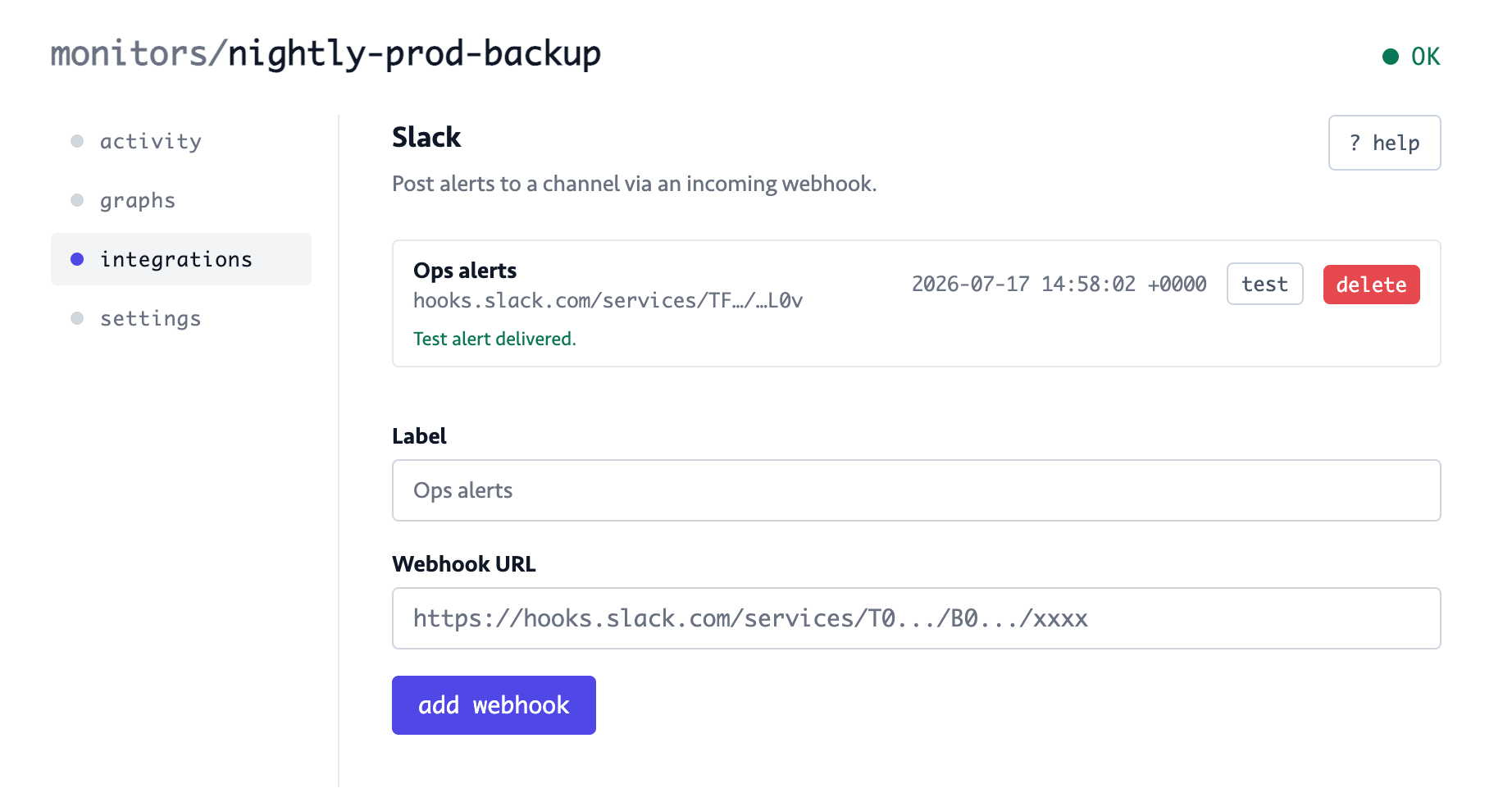
Open your monitor and click on the Integrations tab. Find Slack in the list and click configure: 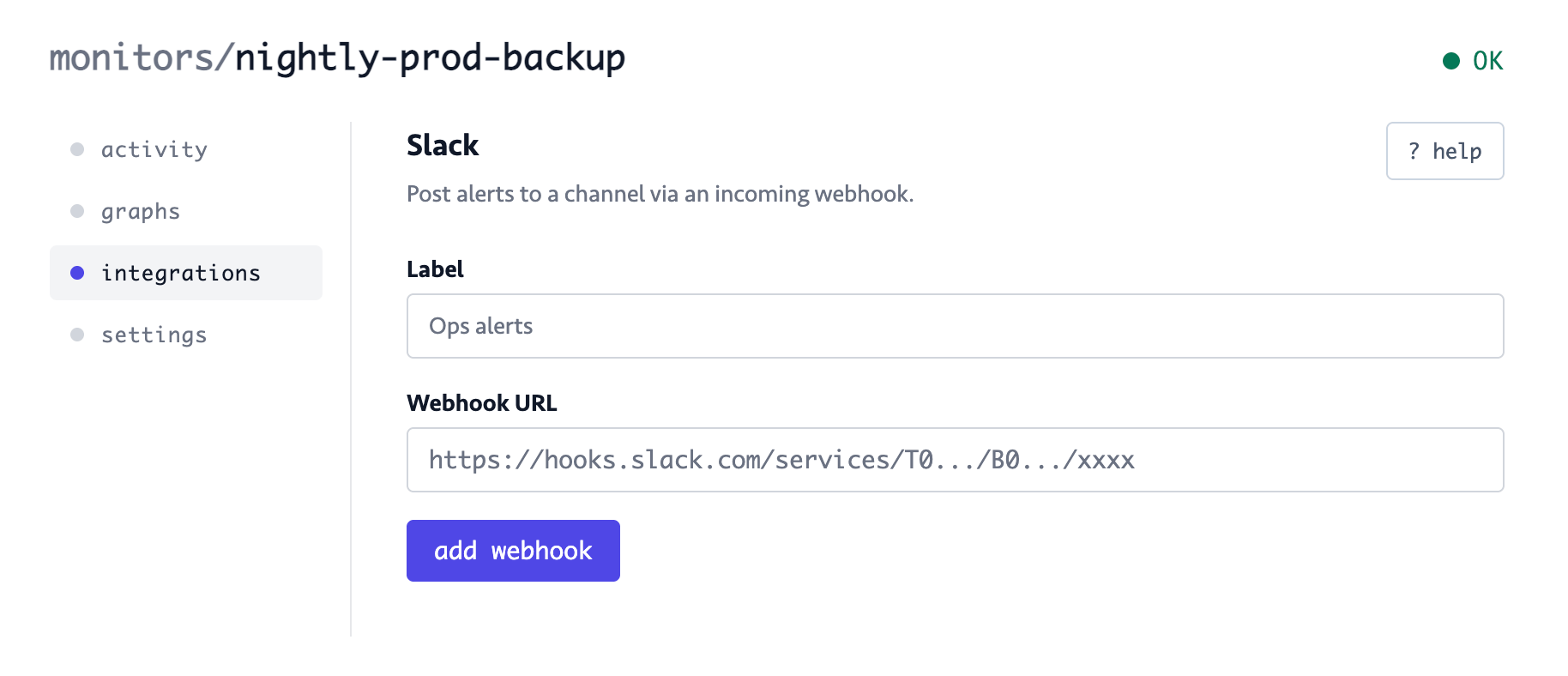
Give it a descriptive name in the Label field and paste the URL from step 1 in the Webhook URL field. Click on the add webhook button to save the integration.
3. Send a test
Make sure the webhook works by clicking the test button: